

 Magic Library
Overview
Introduction
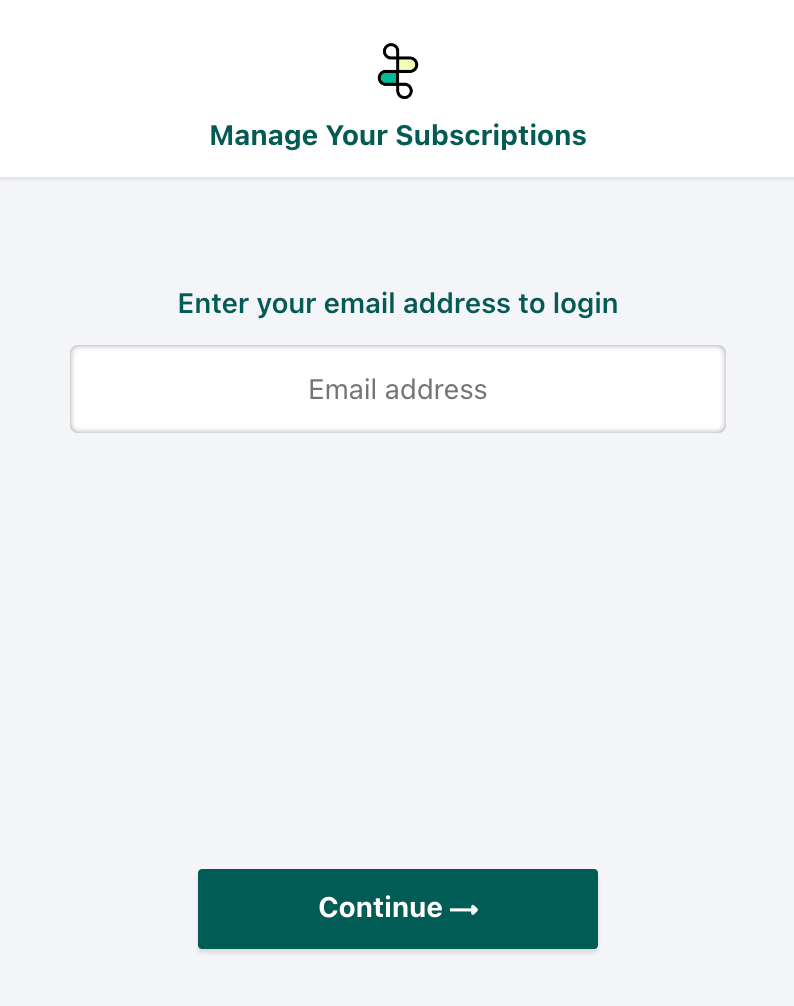
- View and update billing information;
- View subscription details and invoice history; and,
- Manage your payment methods.
- Where you can find the self-service portal;
- The team member(s) who can access the portal (and how); and,
- The functionality available via the portal.
Using the portal
1. Where can I find the portal?
The portal can be found via the button below: Thread Self-Service Portal Alternatively, you can use the following link: https://getthread.com/invoicing2. Who from my team can access the portal?
Individuals or shared mailboxes with Account and/or Billing-level access rights assigned in Thread’s subscription management platform can access the portal. Not sure who has these rights for your company? It will typically be your primary Thread admin and/or your accounting team. Please contact our service team via the Thread help page should you have any difficulty with access. Users with sufficient rights can sign in to the portal by entering their email address and a one-time password (OTP), which they will receive via email. After their first login, they will be able to set up a password for subsequent logins.PCI-DSS Compliant: The hosted portal is built on a PCI-DSS Level 1 compliant platform to ensure the security of your transactions.
3. What can I manage using the portal?
As outlined at the top of this article (and shown in the gif below), you can: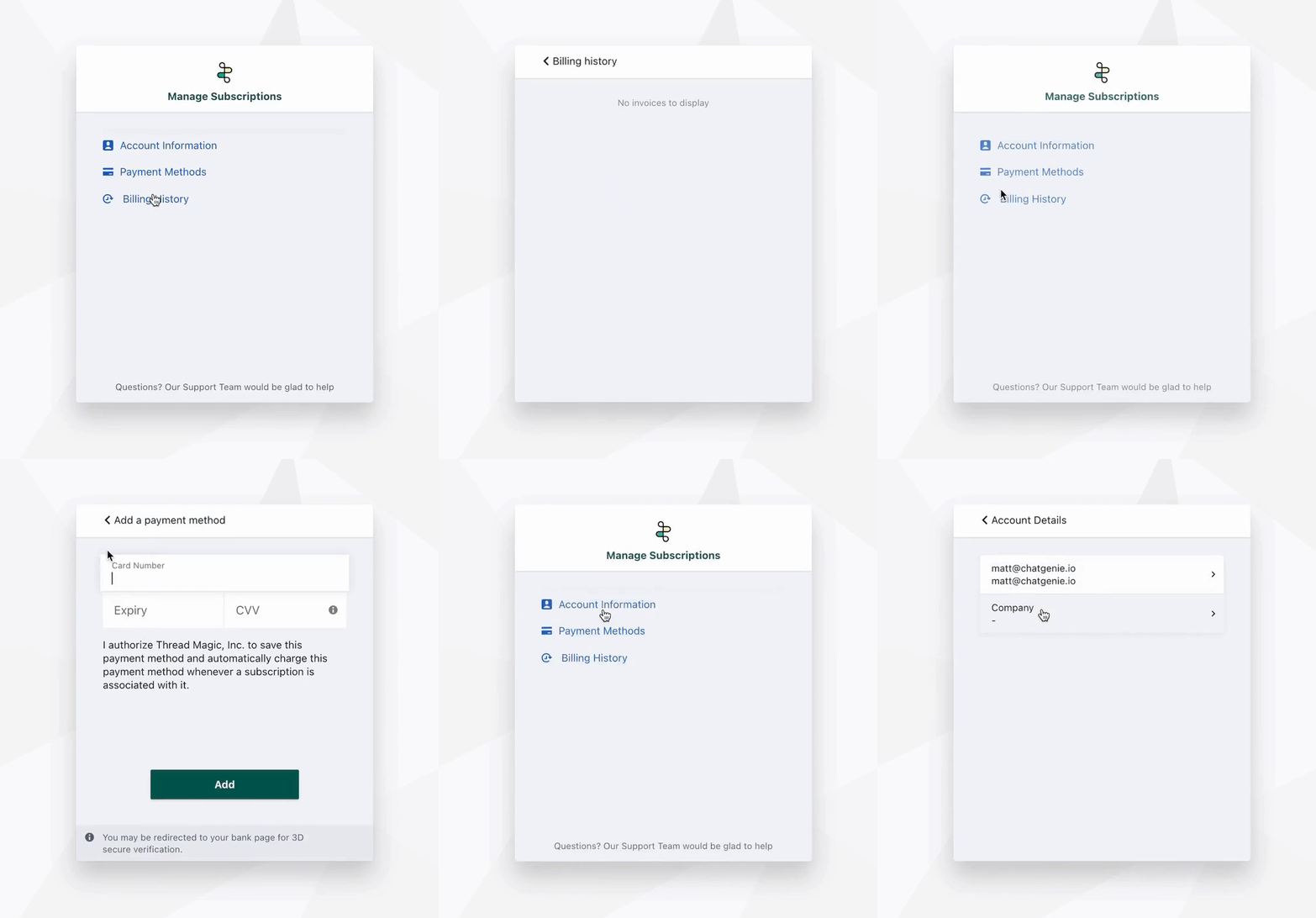
- View and update billing information;
- Manage payment methods; and,
- View subscription details and billing history.