

 Magic Library
Overview
Magic Agent is great at troubleshooting and gathering information. It can take that information and either send it to a technician, or kick off an automation. Just like for a technician, it can kick off the automation by passing in the information to a URL of your choosing. This is a great way to kick off a Robotic Process Automation tool such as Microsoft’s PowerAutomate / LogicApp or Azure Functions or Rewst or Zapier or Make or any other tool! This makes the automation very powerful for many use cases, such as:- Triggering a user onboarding
- Triggering an off boarding
- Looking up a help article from IT Glue or Hudu and sending it to the end user
- Assigning a license in M365
- And so much more!
How it works
- Once Magic Agent detects the intent, it asks the questions of the user
- Once the user gets all of the information across, Magic Agent will confirm that the information entered is right
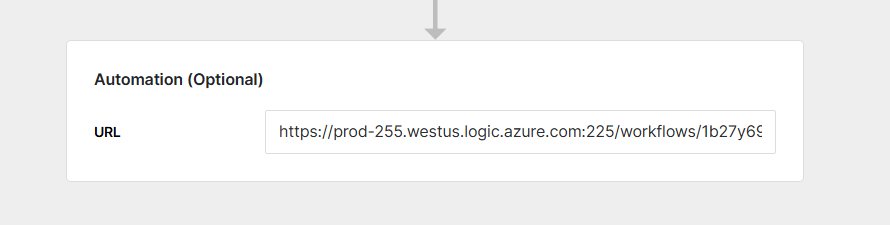
- It will trigger the URL that you put into the Automation section
Request payload
Magic Agent sends a POST request with the following JSON body. The part to notice isintent_fields. These are dynamic, built from the arguments (form fields) you created on the intent, and the value is what the end user submitted. Argument names are converted to snake_case in the payload, so an argument named “Group Email” arrives as group_email, and “User Name” arrives as user_name.
intent_fields are generated from the arguments you built for the intent. Each key is the argument name in snake_case, and each value is the customer’s answer.meta_data describes the ticket and requester. ticket_id is the ticket number in your PSA, while thread_id is Thread’s own internal identifier for the conversation. Depending on the ticket, Magic Agent also includes additional context when it is available — contact_phones, ticket configurations, and PSA-specific classification fields (ConnectWise type/subtype/item, Autotask issue_type/sub_issue_type, HaloPSA category_1/ticket_type).
Headers are static key-value pairs. Thread does not substitute variables (such as intent fields or ticket data) into header values. All dynamic data about the request arrives in the JSON body via
intent_fields and meta_data.Response
Magic Agent waits for your endpoint’s response (up to about 60 seconds) so it can tell the end user what happened. Return a 2xx status with a JSON body. The fields Magic Agent reads:message (or error.message) from the body so it can relay a useful reply to the user.
This can be extremely powerful if you want to send back a password reset link, a help article, or a message like “that user is already part of the email group.”
Ask follow-up questions with continue
If your automation needs more information before it can finish, return status: "continue" with a continuation_token and a form describing the fields to collect. Magic Agent asks the user those questions, then re-POSTs to the same URL with the answers plus the continuation_token, so your endpoint can resume where it left off.
text, number, date, email, boolean, and multiple (with type_data listing the choices). A continue response that omits either the continuation_token or the form fields is treated as complete.