Magic Library
Clients
The Clients tab contains all of the companies that are synced from your linked PSA.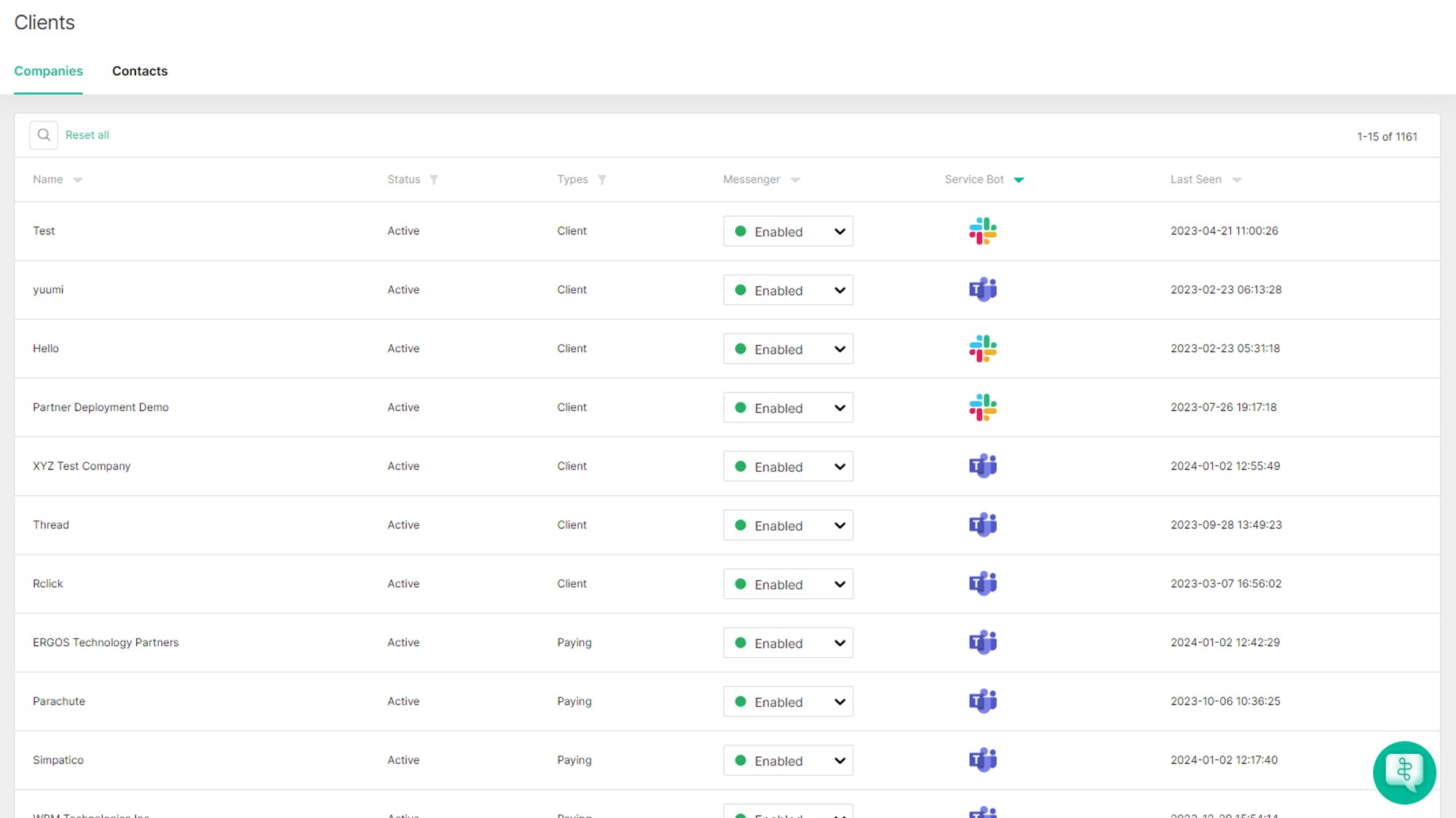
Enable or disable Messenger per company
The Messenger column lets you set Messenger to Enabled or Disabled for each company. Enabling Messenger for a company does not bill you on its own — your plan is billed by the AI and Chat licenses you assign to clients. See Plans and Licenses for how licensing works. To tell which company you have deployed Thread to, look for a Teams or Slack icon next to their name in the Service Bot column.Deploy Thread and override settings per client
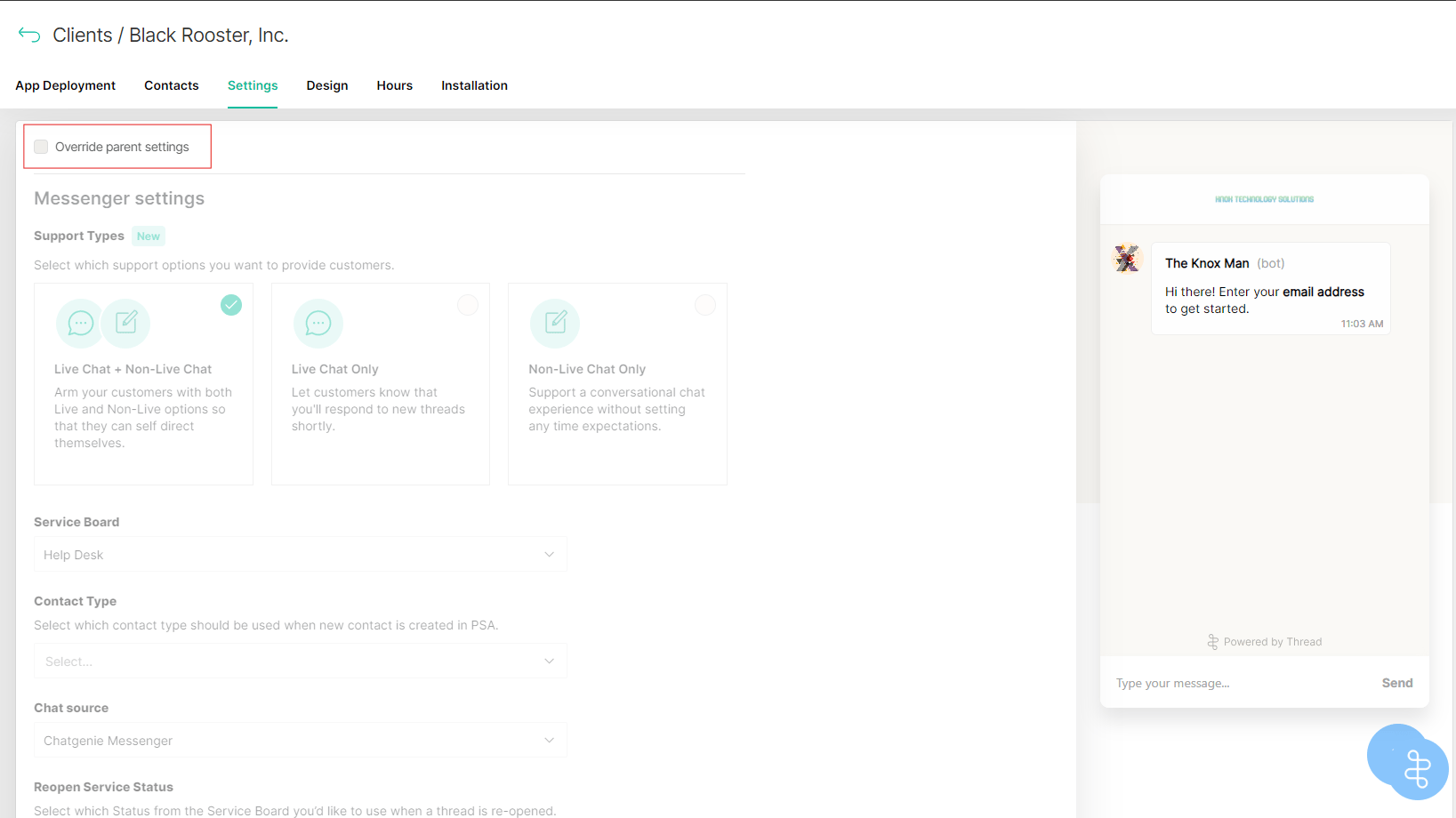
Once you click on one of your clients, you will have the option to deploy Thread to them. You will also have the option to override your parent Messenger settings to customize them at a per-client level.