

 Magic Library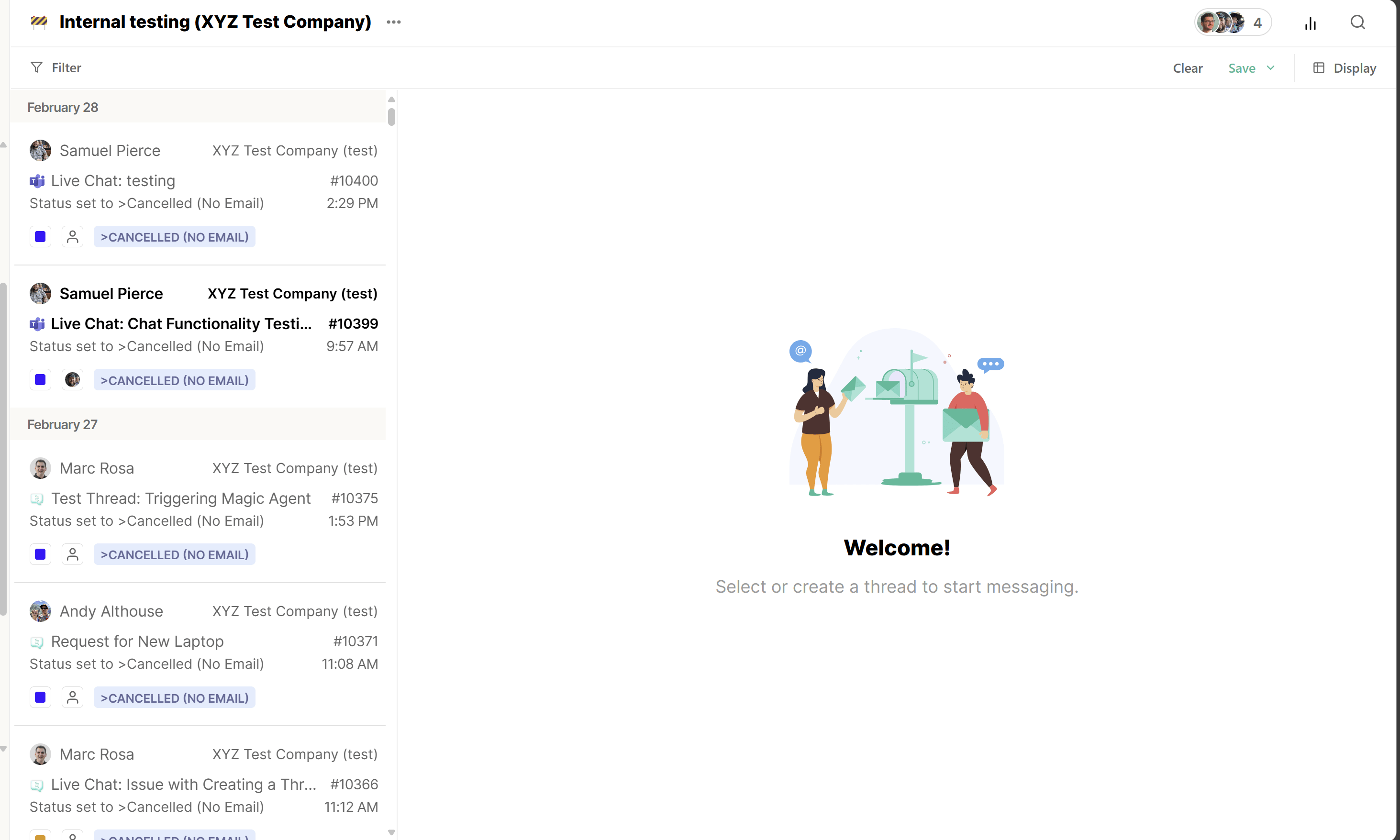
Inside the View
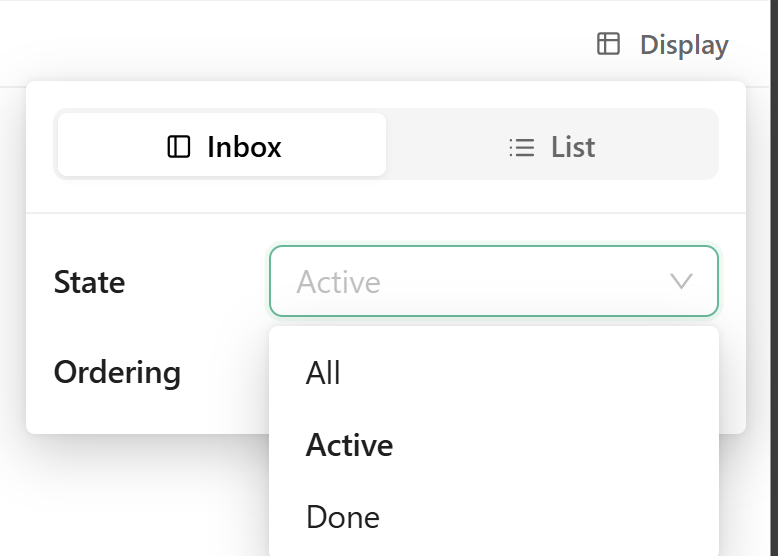
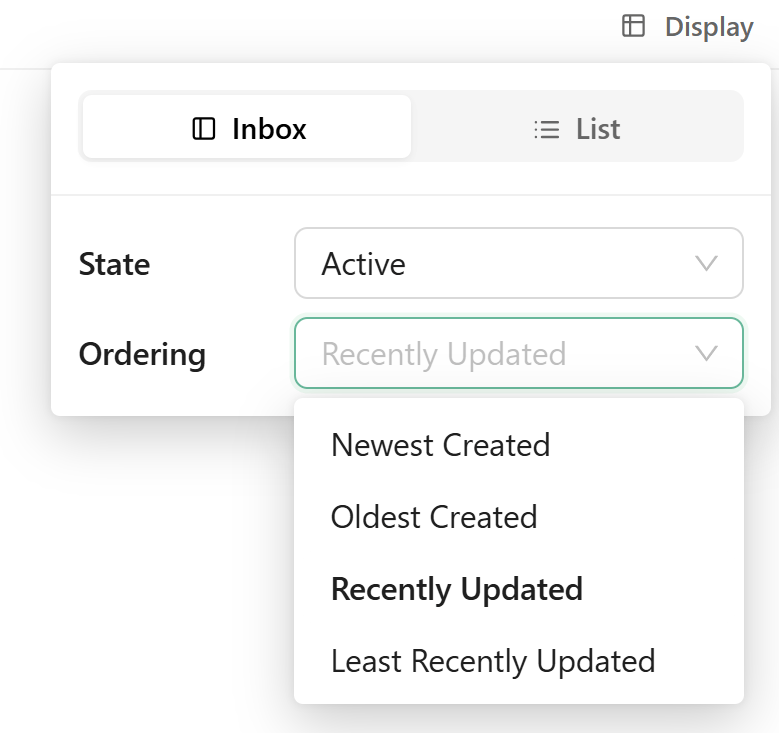
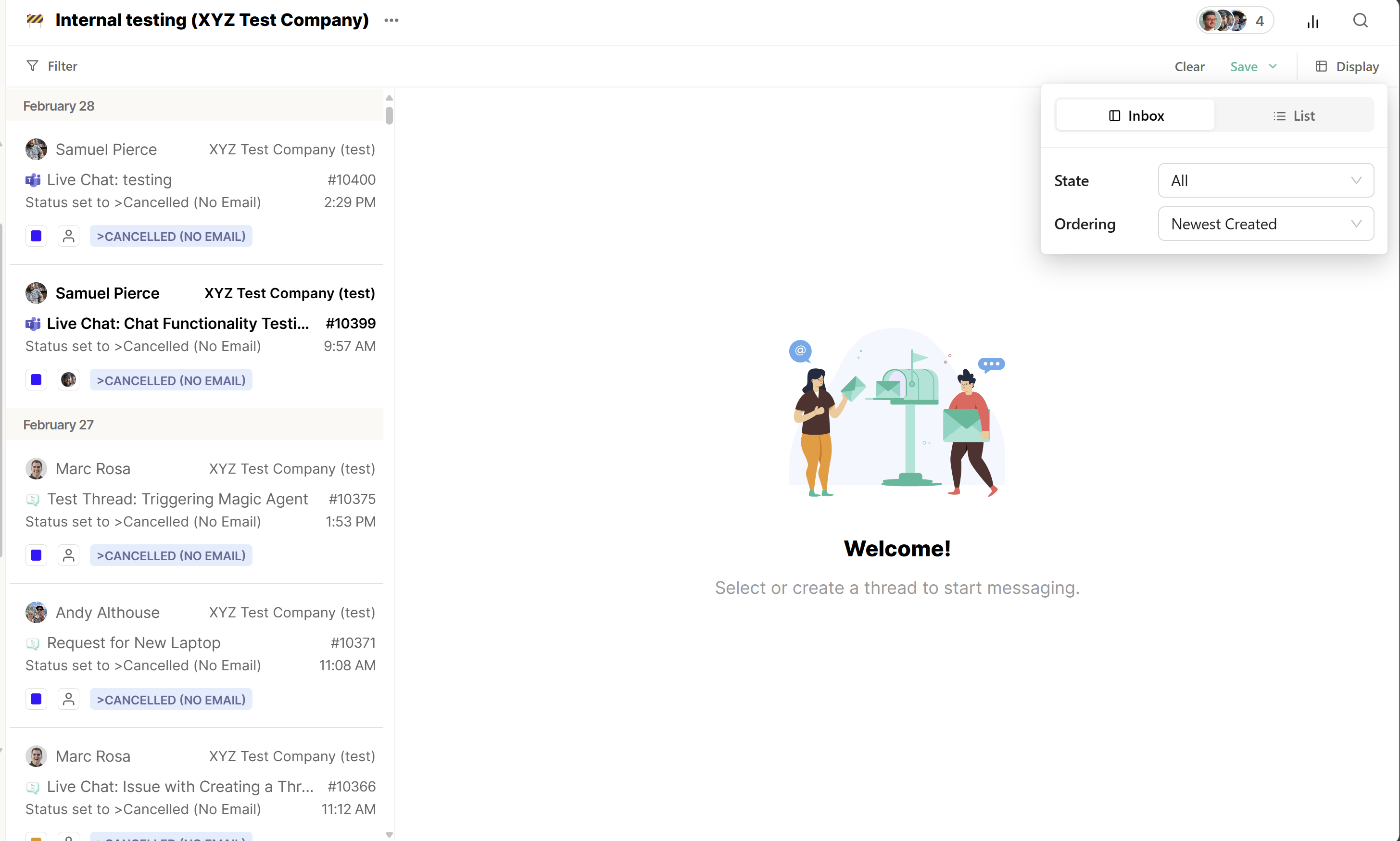
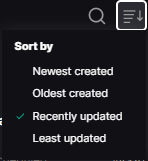
Every View opens with a Display menu (top-right) that controls three things: the display mode (Inbox or List), the thread State it shows, and how threads are grouped and sorted. State filters which threads appear:- All: every thread that matches the View, regardless of state
- Active — threads in an open state (this includes any live Messenger, Slack, or Teams conversations)
- Done: threads whose status your PSA treats as closed
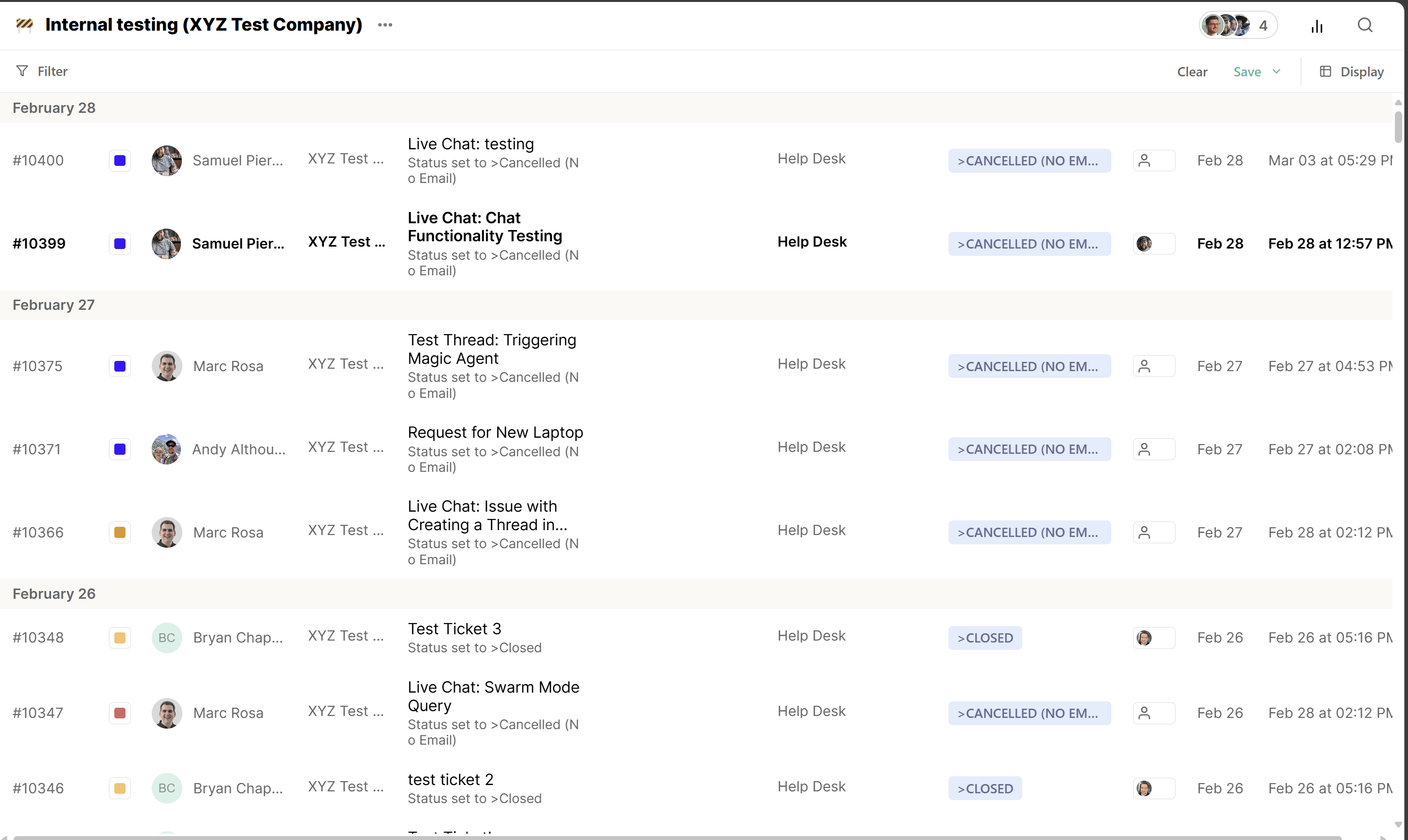
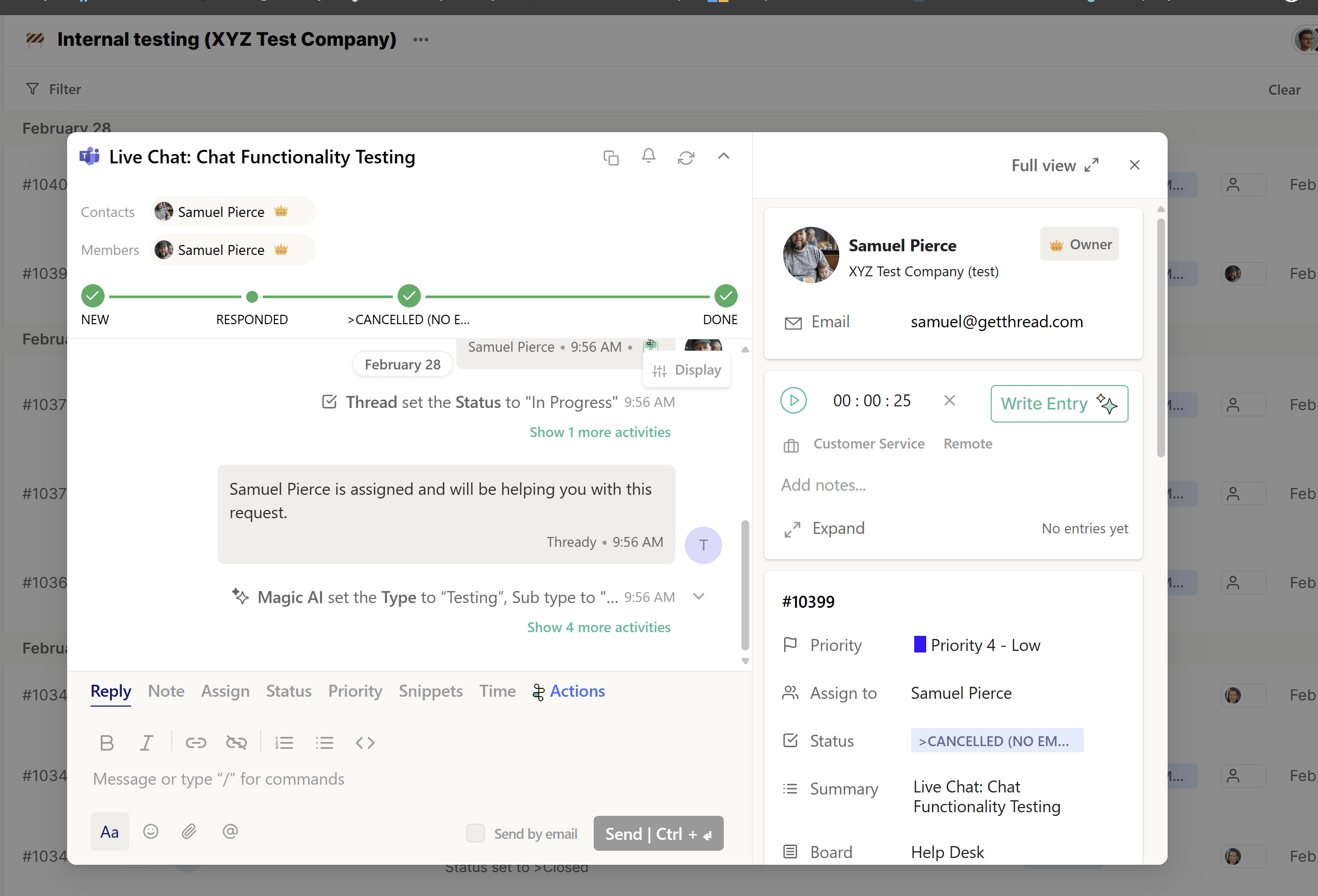
Active vs. Done

- Waiting Client Response
- Waiting Engineering
- New
- Waiting Team
- Product Backlog
- In-Progress
- On-Hold
- Closed
- Done
- Cancelled
The Filter
The search bar
