

 Magic Library
Create your Thread workspace
1
Open the setup link
Navigate to the Thread workspace setup link provided by your Customer Success Manager, or as outlined in your Thread onboarding plan.
2
Enter your email
Enter your email and click Continue.

3
Enter the one-time passcode
Enter the one-time passcode sent to your email and click Submit.
4
Add your workspace details
Enter your Full name, Workspace name, and upload your logo. If you don’t have your company logo ready, you can use the default “Thread” logo for now and change it later from the Thread Admin Panel once your workspace is set up.

5
Continue
Once you’re finished, click Continue.
Connect your ticketing system
Thread integrates with your PSA so your tickets, companies, and contacts flow in through a deep, bi-directional integration.1
Select your ticketing system
Choose the ticketing system you want to integrate with Thread.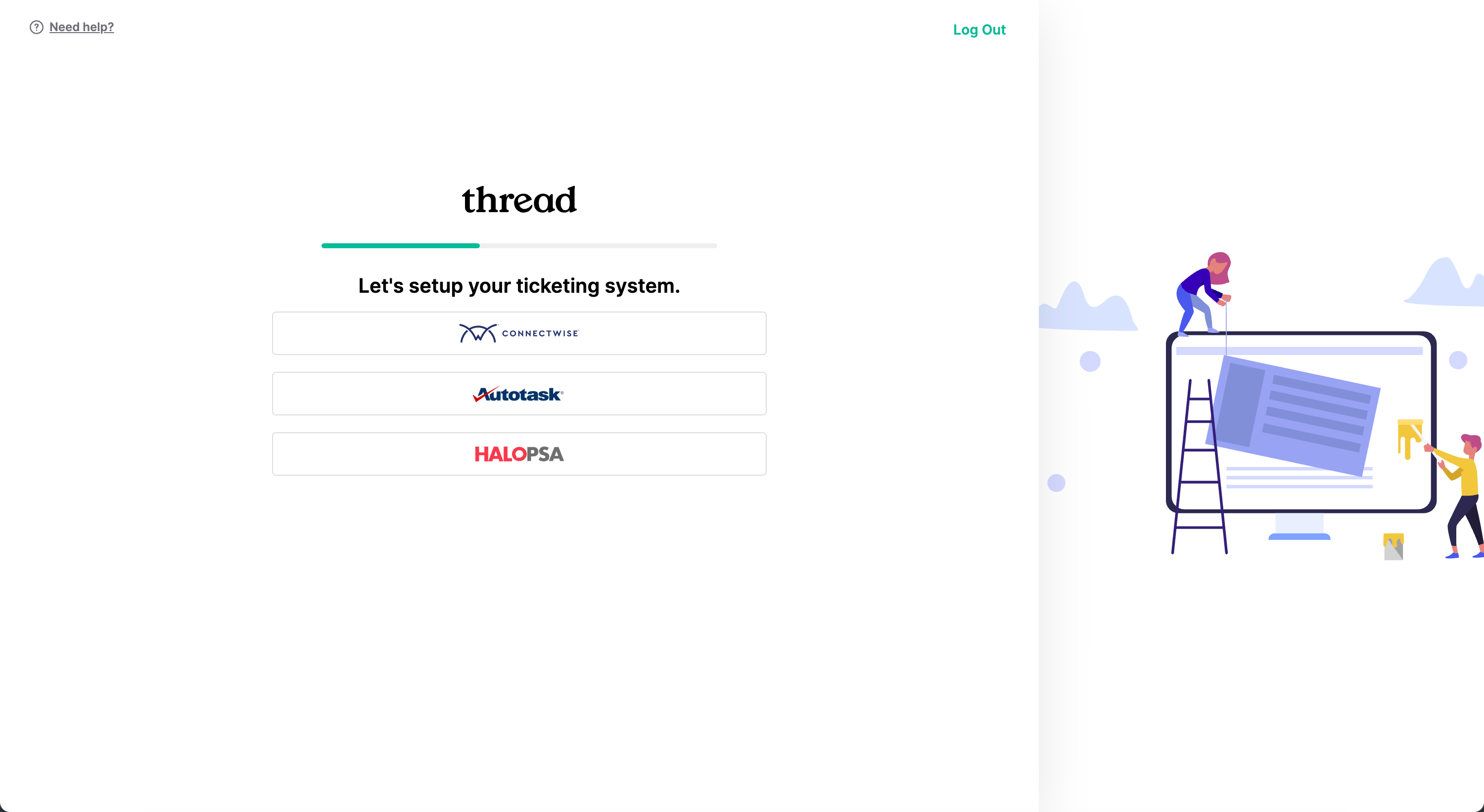
2
Follow the integration setup guide
Follow the setup guide for your PSA: