

 Magic Library
Overview
Create a white-labeled Teams app for your customers
Access the Teams App Builder
To access the Teams App Builder:1
Navigate to your Thread Admin Panel
Navigate to your Thread Admin Panel
2
Click on Messenger in the left navigation bar
Click on Messenger in the left navigation bar
3
Navigate to the Teams Apps tab
Navigate to the Teams Apps tab at the top-center of your browser window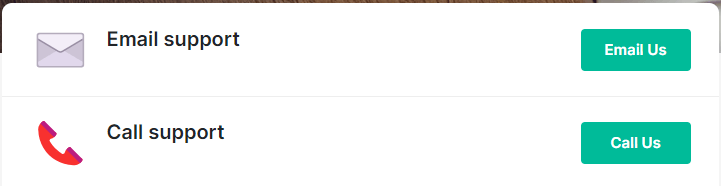
4
Create, Edit, or Duplicate an app
Click Create New if you wish to create a new custom Teams App, or Edit or Duplicate an existing app
5
Open the Teams App Builder
If you clicked Create New on the previous screen, you will be brought to the Teams App Builder.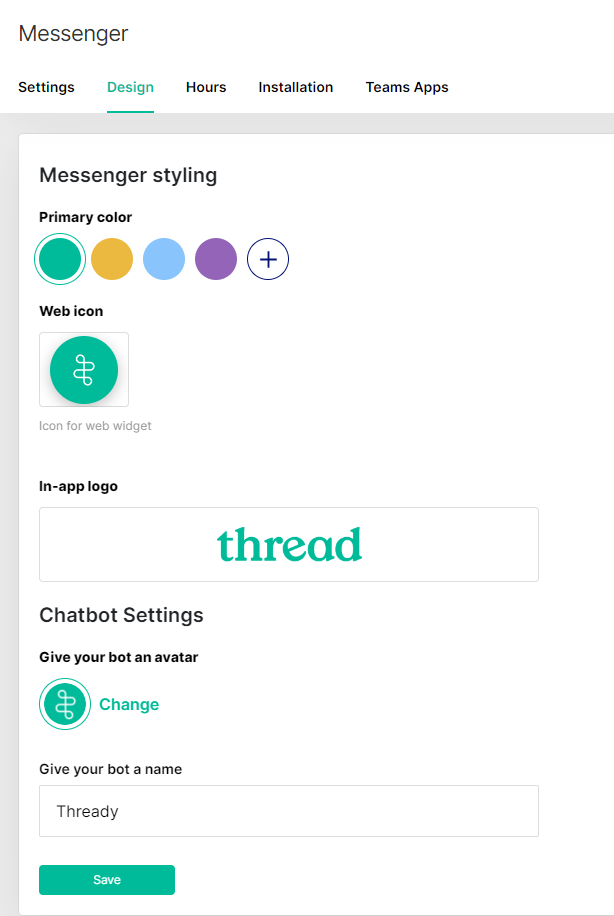
- Please follow these guidelines for the App icons here
6
Customize and name your app
Now you can customize your app, the entire experience is brandable and customizable. When naming your App, we recommend a name that can be recognized by your customers’ users for the type of service you provide, e.g. IT Support.
7
Edit support pages and preview your design
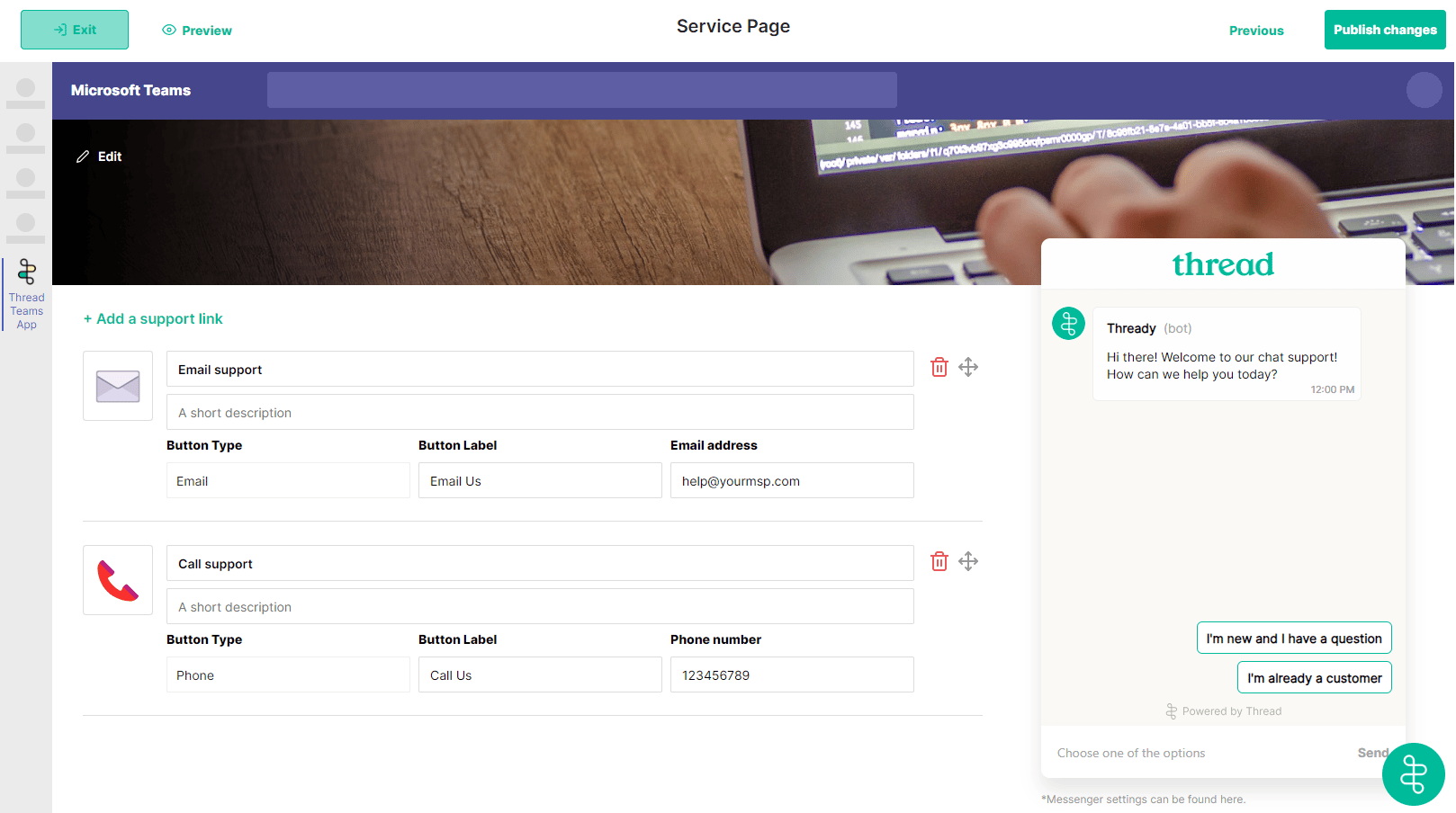
Here you can edit the support pages displayed on your app, and also preview your app design. To change the color of these support buttons: You can go to the design page of the messenger settings and change the primary color. Then all you have to do is click “save” and then after a refresh of Teams the color will change.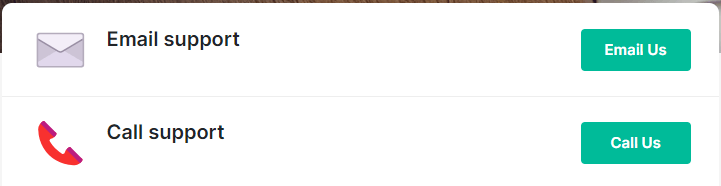
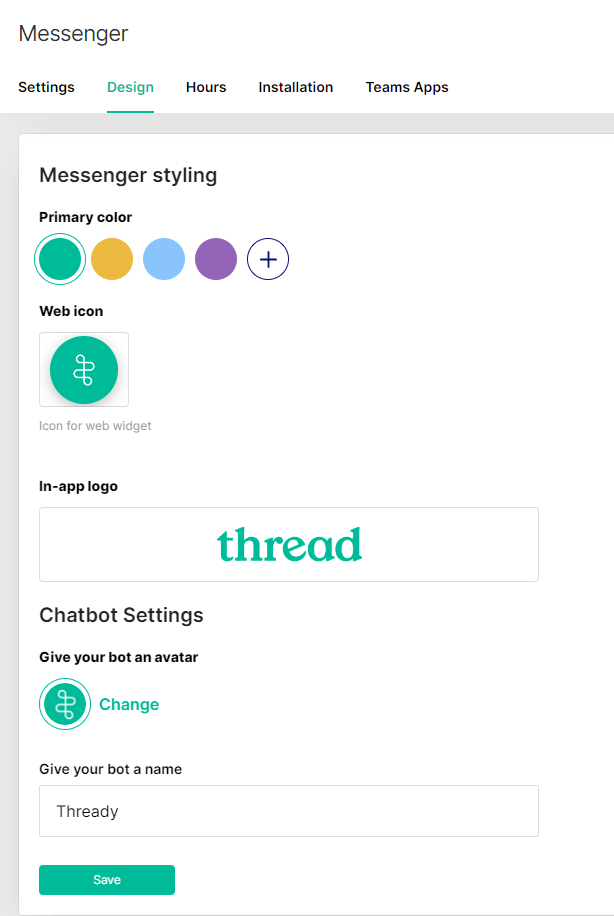
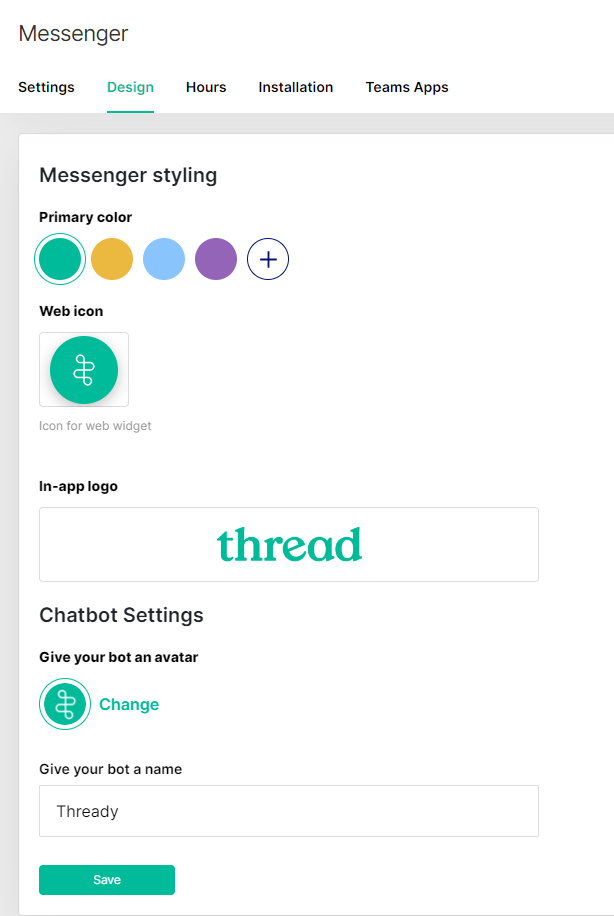
The customizable Teams app embeds a version of Messenger on the right for your customers to open chats with your team. This inherits the Messenger branding settings you set at the parent level, or if you are overriding these settings at the customer level, it will inherit those settings for that Customer.
Find your Thread App ID
Your App ID is the unique identifier used to deploy Messenger to customers. Find it in the Admin Panel under Messenger → Installation, in the APP ID box.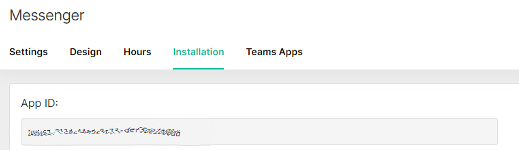
Each client also has its own App ID. Deploy with a client’s App ID when you’ve set
client-level overrides you want that customer to get.
Banner image specifications
The banner is the widest branded element in the app, so it’s worth getting right:
Use a high-resolution image. If you need stock imagery, free copyright-free sources such as
Pexels work well.
FAQ
Can I get a custom Teams app for my customers?
Can I get a custom Teams app for my customers?
Yes. The Teams App Builder is in the Admin Panel, and you can create multiple apps with different branding — useful when customers want their own look rather than yours.
Can I get a custom Slack app for my customers?
Can I get a custom Slack app for my customers?
Yes, but it isn’t self-serve — Thread builds it for you. Email help@getthread.com to request a white-labeled Slack app, then deploy it to a customer. Allow up to 5 business days.
What about the desktop and web apps?
What about the desktop and web apps?
Both inherit your Messenger configuration, so set your branding in Messenger settings first — then deploy on Windows, Mac, or the web.