Magic Library
Automagically is currently in a closed beta.
Modifying a Runbook
Runbooks evolve with your needs. When a runbook needs to change, you don’t start over, you describe the change in plain English, and Automagically updates the runbook for you.Request a change
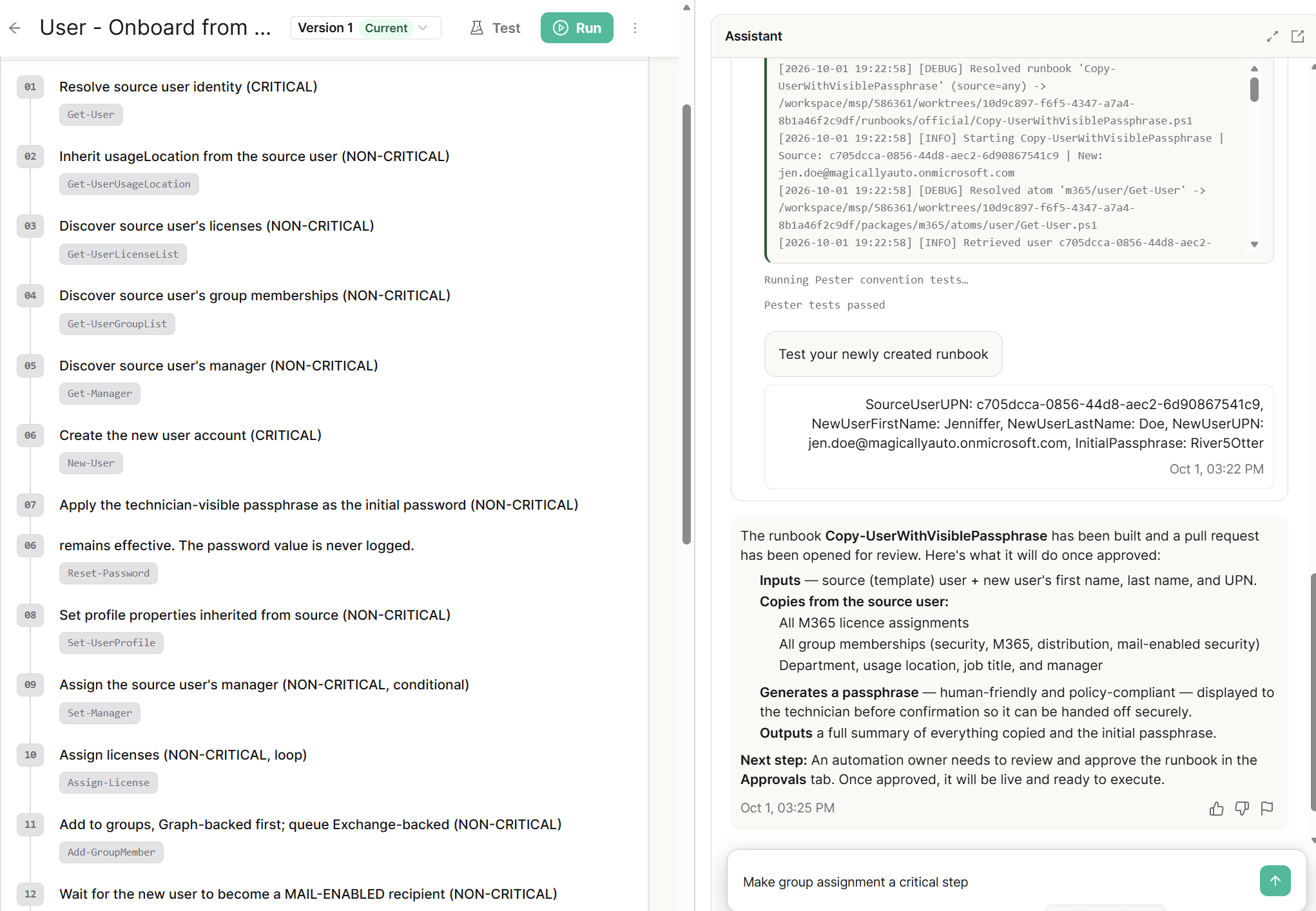
Every runbook has its own chat. Open the runbook and tell Automagically what you want to change. Common changes include:- Steps: add or remove steps, or change the order they run in.
- Inputs and outputs: add, remove, or change input and output fields.
- Criticality: change how critical a step is.
How Automagically applies your changes
A modification goes through the same phases as a new build: planning, building, and testing. You review the plan before anything is built, and you can try the updated runbook in the testing window.No downtime: while the new version is being worked on, the current version stays fully available to run.
Approve the new version
A modified runbook goes through the same approval process as a new one, in the Approvals tab. Once approved, the runbook’s version number goes up by one, the new version becomes available to run, and the previous version becomes inactive. See Automagically: Approving Runbooks for details.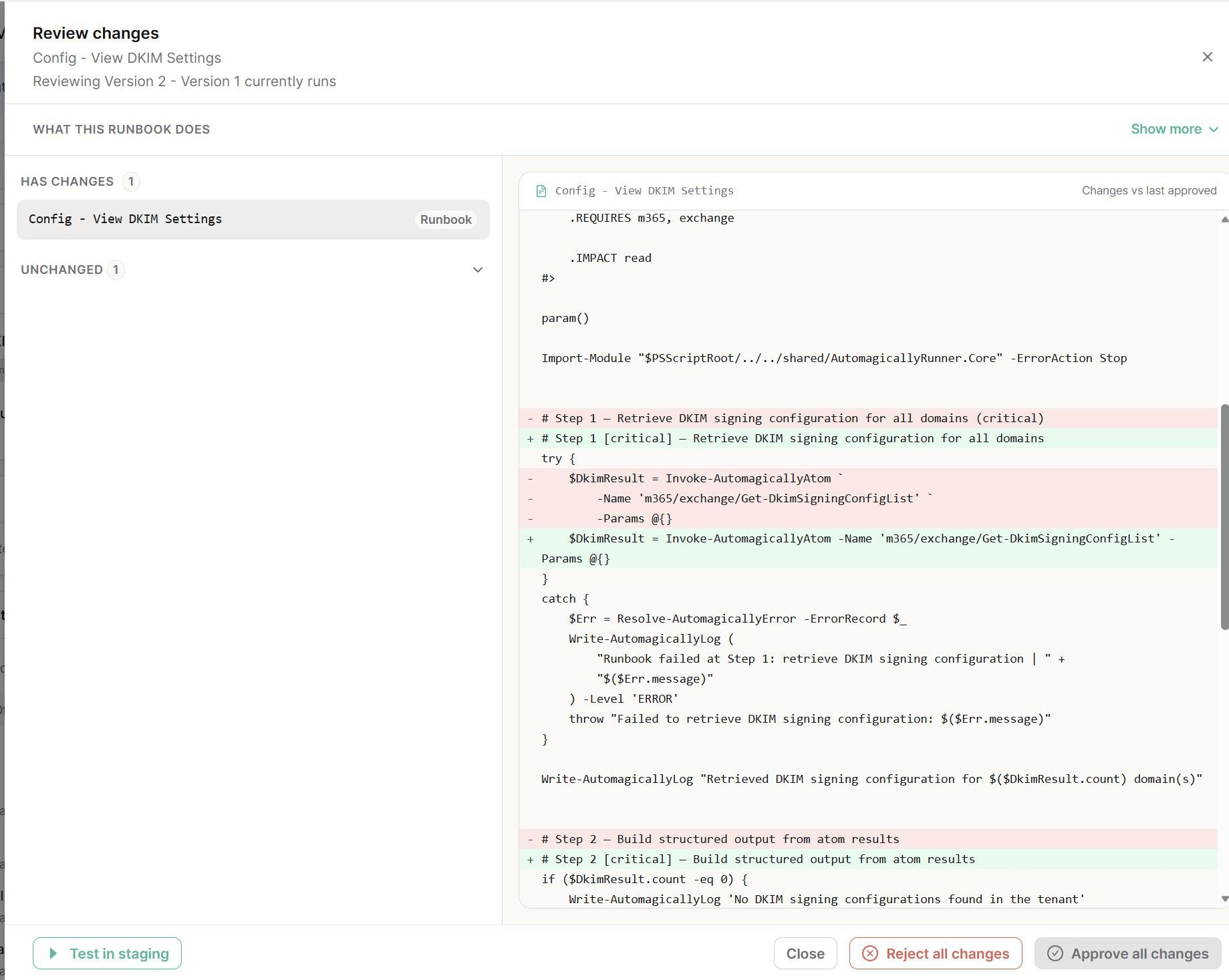
Roll back if needed
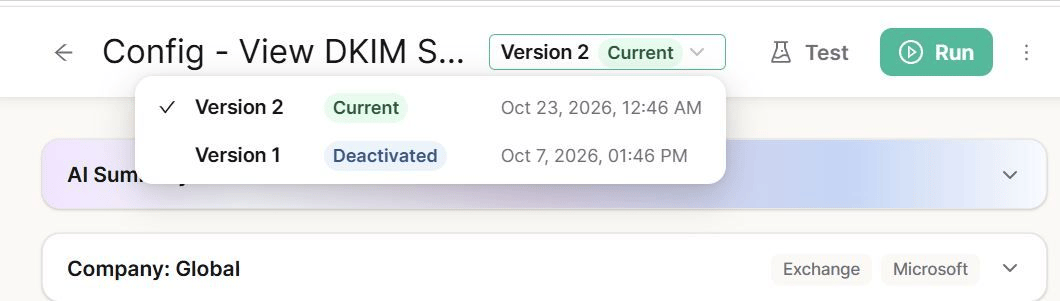
If something isn’t right with the new version, you can reactivate the previous production version at any time.